How to Bold Text in Discord
Discord bolds messages with asterisks, but names and channels ignore Markdown. Learn both tricks, plus copy-paste Unicode bold that works anywhere.
When I set up a Discord server for our weekly tabletop group, I wanted the rules channel to read Read Me First. I typed **Read Me First** straight into the channel name field, hit save, and watched **Read Me First** appear — asterisks and all. Discord had ignored the formatting completely.
That moment is where most people get stuck. The fix is simple once you know the rule: Discord’s Markdown only runs inside message and post bodies. Channel names, your display name, nicknames, and custom statuses are plain-text fields, so the asterisks stay visible. This guide covers both paths — the **asterisks** way for chat, and copy-paste Unicode bold for everything else.
How to bold text inside a Discord message
Open any text channel or DM and wrap your words in two asterisks:
**This patch is live**
The moment you send it, Discord renders This patch is live in bold for everyone. The asterisks are Markdown markers — they disappear and only the styled result shows.
You have three ways to get there:
- Type it:
**bold**on both sides, no spaces touching the text. - Desktop shortcut: select the words you already typed and press
Ctrl+B(Windows/Linux) orCmd+B(macOS). Discord inserts the asterisks for you. - Mobile: long-press the text you just typed, tap Bold from the popup, then send.
The same Markdown system handles the rest of Discord’s emphasis styles:
| Style | Syntax | Result |
|---|---|---|
| Italic | *text* or _text_ | text |
| Bold | **text** | text |
| Bold + italic | ***text*** | text |
| Underline | __text__ | text |
| Underline + bold | __**text**__ | text |
| Strikethrough | ~~text~~ | |
| Spoiler | ||text|| | hidden until clicked |
| Heading | # text (start of line) | large bold title |
Headings are the one people miss: start a line with # , ## , or ### and Discord renders a document-style title. A # with no space after it does nothing. Discord’s official Markdown Text 101 documents the full marker set.
Where Markdown bold does NOT work
Markdown is only interpreted inside message and post content. Everywhere else, Discord treats the field as plain text and prints your asterisks exactly as typed. That means **announcements** as a channel name literally shows the stars.
The fields where Markdown is ignored:
- Channel names and category names
- Server name and channel topics
- Your global display name
- Per-server nicknames
- Custom status (“What are you up to?”)
- Role names
So if you ever see **text** sitting in a message instead of bold, one of two things happened: you left a space inside the markers, or you typed it into a name/channel/status field where Markdown was never going to run.
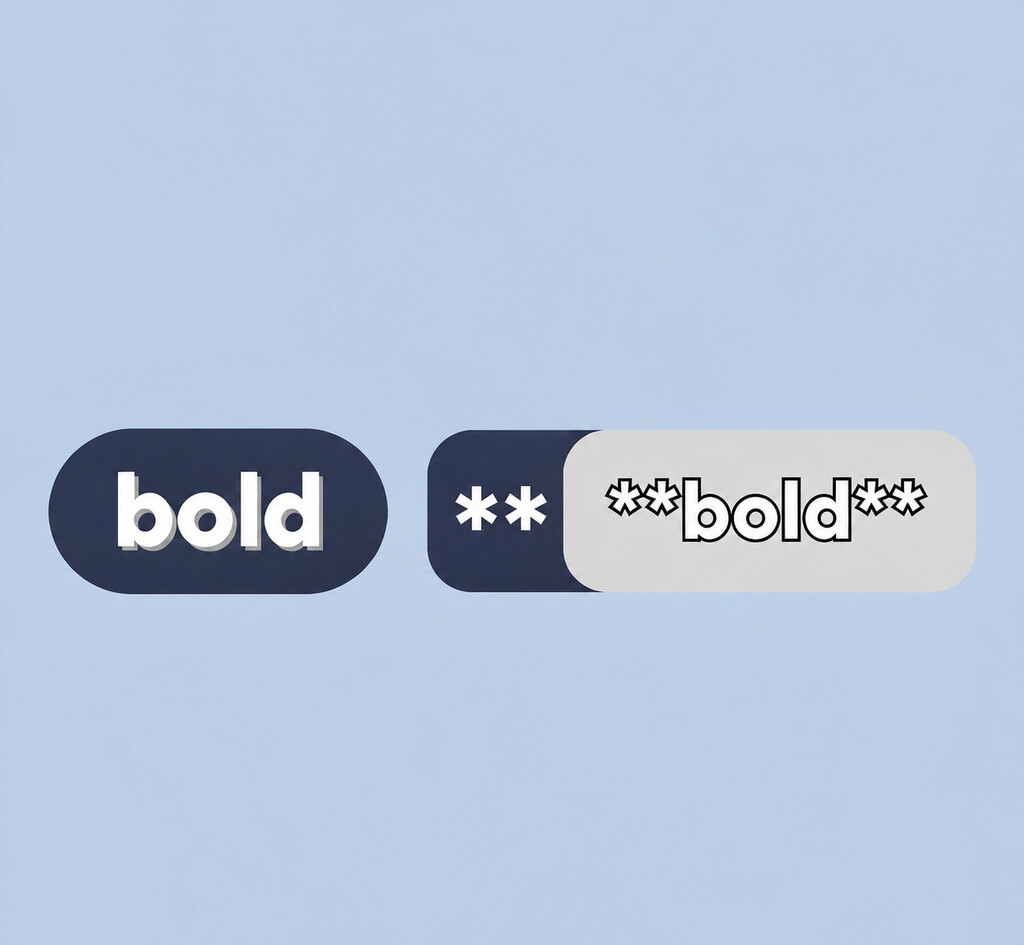
Markdown bold vs Unicode bold
When a name or status won’t take Markdown, you paste Unicode bold instead — characters like 𝗕𝗼𝗹𝗱 that are drawn bold because they belong to the Mathematical Alphanumeric Symbols block, not because of styling. Discord can’t tell them apart from normal text, so they survive anywhere text is allowed.
| Markdown bold | Unicode bold | |
|---|---|---|
| What it is | Regular letters + ** markers | Bold glyphs (math symbols) |
| Where it works | Message and post bodies only | Any text field, including names & status |
| How you make it | Type the asterisks | Paste from a generator |
| Readability | Real text — searchable, screen-reader safe | Symbols — may read oddly, not searchable |
| Needs Nitro | No | No |
Rule of thumb: writing a message? Use **asterisks**. Naming a channel, styling your display name, or setting a status? Paste Unicode bold. Many servers use both — a Markdown-bold headline inside an announcement that lives in a Unicode-bold channel.
How to bold your Discord name, nickname, or status
Unicode bold characters come from the Mathematical Alphanumeric Symbols block defined by the Unicode Standard. You can’t type them on a normal keyboard, so you generate and copy them.
- Open the Bold Text Generator.
- Type the name or phrase you want — for example,
NightOwl. - Copy the bold version: 𝗡𝗶𝗴𝗵𝘁𝗢𝘄𝗹.
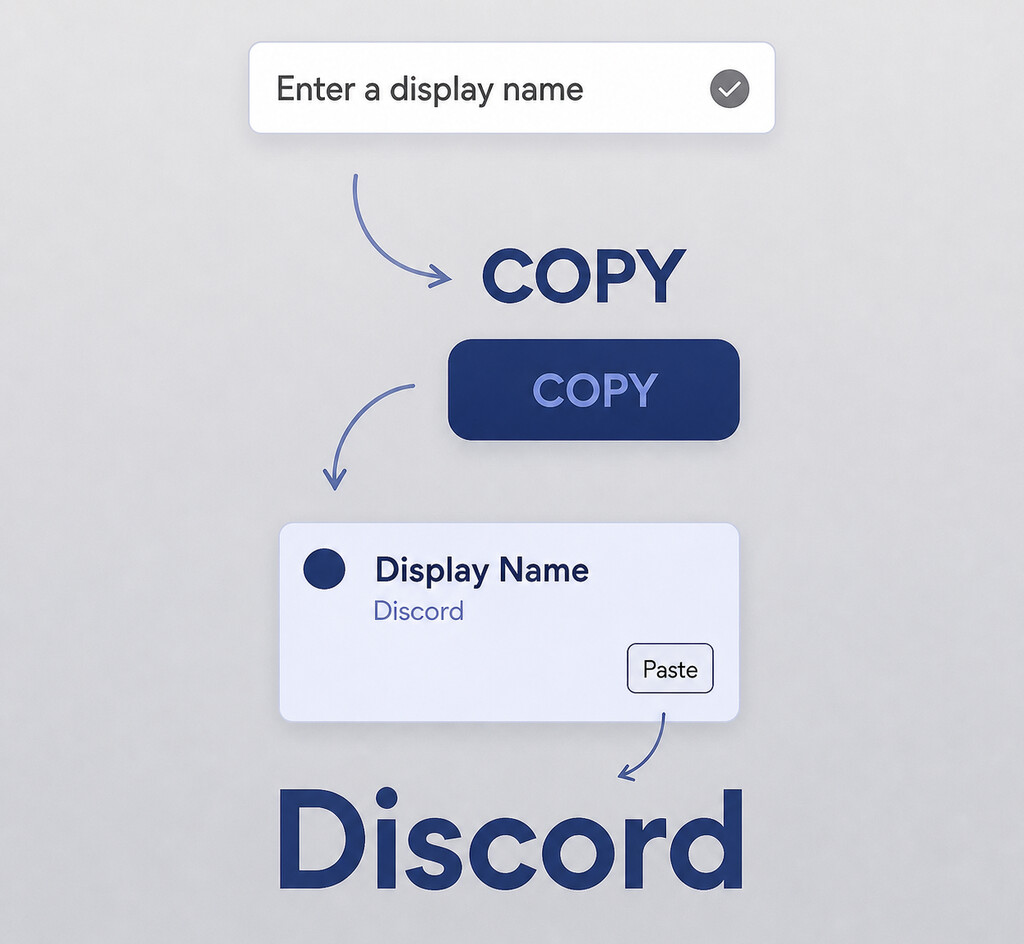
- In Discord, open User Settings → My Account → Edit, and paste it into your display name. Save.
- For a single server, right-click your name in the member list → Edit Server Profile → set a nickname. Paste, save, and check how it looks on mobile.
One limit to know: your global @username handle is restricted to lowercase letters, numbers, underscores, and periods, so you can’t style it. Style your display name or per-server nickname instead — that’s where Unicode bold is allowed.
No Nitro required. Unicode bold is just text, so it works on free accounts everywhere.
Discord mobile vs desktop
The Markdown syntax is identical across desktop, web, and mobile. Two differences matter in practice:
- Typing: asterisks and backticks hide behind the
123/#+=key on phones, so formatting is slower on mobile. The long-press Bold popup saves you the hunt. - Shortcuts:
Ctrl+B/Cmd+Bexist only on desktop. Mobile has no equivalent, so you type the markers or use the popup.
Both show a live preview as you type, though it’s easier to see on a larger screen. Compose on desktop, review on mobile if you’re styling a name.
Why your bold shows as asterisks
Four causes cover almost every failure:
- Spaces inside the markers.
** bold **stays plain because the space becomes part of the delimiter. Keep markers tight against the text. - Inside a code block. Text between backticks shows verbatim —
`**this**`displays the asterisks. That’s expected; use it when you’re teaching the syntax. - Wrong field. You typed it into a channel name, display name, or status, where Markdown never runs. Paste Unicode bold there instead.
- Escaping a literal asterisk. To show a real
*without bolding, prefix it with a backslash:\*like so\*.
One caution before you go bold everywhere
Unicode bold looks great in a server name or status, but it has trade-offs. Because the characters are math symbols, not real letters:
- Screen readers may spell it out letter by letter or skip it, so keep information people need to parse in normal text.
- Search and @mentions don’t match styled characters, so a bold display name can make you harder to find.
- Old devices without full math-font coverage may show empty boxes.
Use Unicode bold as a short accent — a name or one emphasized word — not for whole paragraphs or anything people must search or hear. For the deeper reasoning, read Are Unicode Bold Fonts Accessible?, and for picking the right look per platform see 7 Unicode Text Styles Explained. The platform-by-platform breakdown in Where Does Bold Unicode Text Work? is worth a look before you paste anywhere important.
Watch: Discord text formatting in action
Frequently Asked Questions
Why doesn’t bold work in my Discord channel name or server name?
Markdown only renders inside message and post bodies. Channel names, category names, the server name, display names, nicknames, and custom statuses are plain-text fields, so Discord prints the asterisks literally. To bold those, paste Unicode bold characters (𝗕𝗼𝗹𝗱) from a generator instead.
Does Discord bold work on iPhone and Android?
Yes. The Markdown syntax is the same on mobile, web, and desktop. On a phone, long-press the typed text and tap Bold from the popup, or type ** manually — there’s no Ctrl+B shortcut on mobile.
Why is my text showing as asterisks instead of bold?
Almost always a space between the asterisks and the words (** text **), or you typed it into a field that doesn’t support Markdown (a name, channel, or status). Asterisks inside backticks also show literally by design. Remove the space or switch to Unicode bold for name fields.
Do I need Nitro to bold text on Discord?
No. Neither Markdown bold nor Unicode bold requires Nitro. Both are plain text features available on free accounts.
Make your messages pop with **asterisks**, and style your name with copy-paste Unicode bold. Create clean bold text free with the Bold Text Generator — no signup required.
Try Bold Text Generator Now
Convert your text to bold, italic, and 5 other styles — free, no signup.
Open Generator